You can back up your data and categories on Taxnote to GoogleDrive, Gmail, Dropbox and so on, then restore it when you need to do it. It's also useful when you want to transfer your data into other Android devices.
Contents
Where to store your backup data
You can transfer data between iOS and Android versions using Taxnote Cloud.
This help explains how you can backup and restore your data using GoogleDrive.
Backup
* Explains the procedure when using Google Drive.
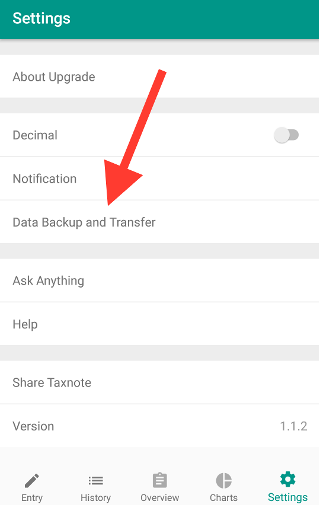
- Settings => Data Backup and Transfer.
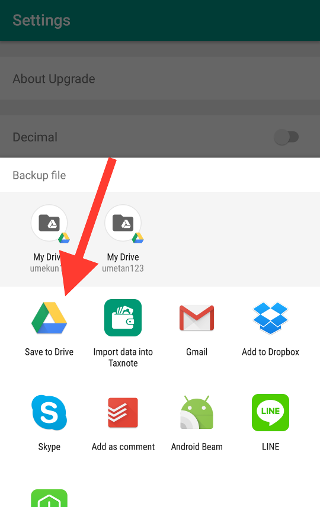
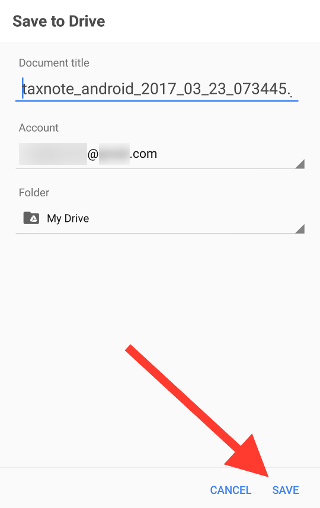
- Save to Drive.
Restore
* Explains the procedure when using Google Drive.
- Open GoogleDrive app on Android.
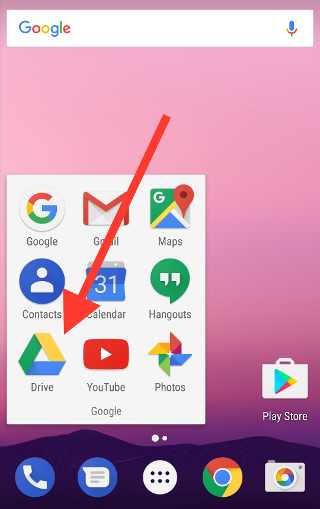
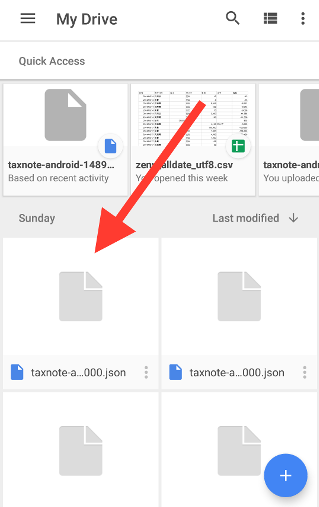
- Choose a Taxntote data.
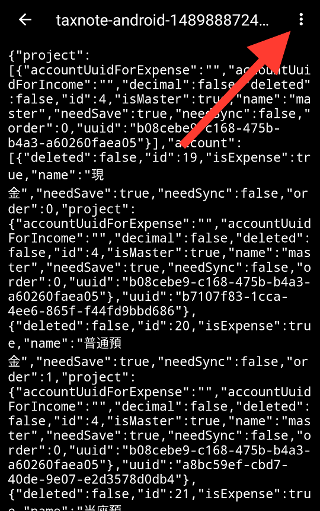
- Tap the option menu located in the upper right.
- Choose "Send a Copy".
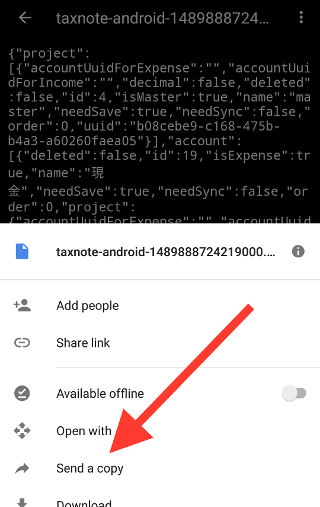
- Choose "Import data into Taxnote".
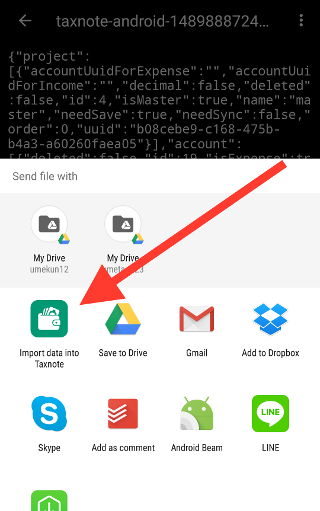
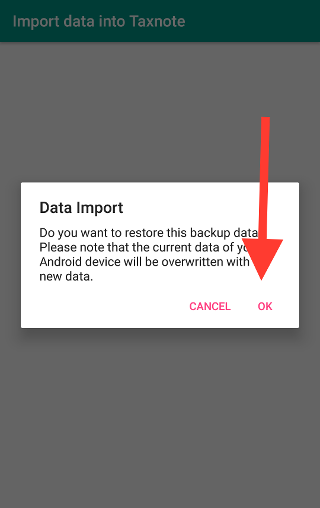
- It will open Taxnote so tap "OK". (Your Taxnote data of the device will be overwritten.)