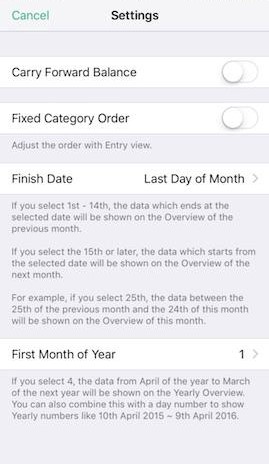
The "Balance" figure in the income statement means the amount in the displayed period. You can also display the cumulative balance carried forward over the previous period.
Show balance carried forward in Overview
Although the "Balance" figure in the income statement means the amount in the displayed period, you can also display the cumulative balance carried forward over the previous period. The operating procedure is as follows.
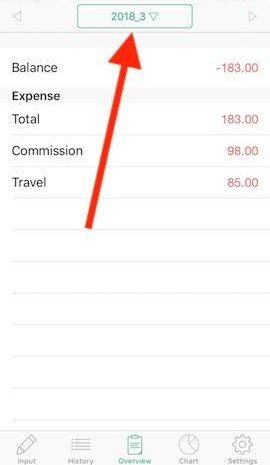
- Tap the "Overview" menu from the bottom of the screen.
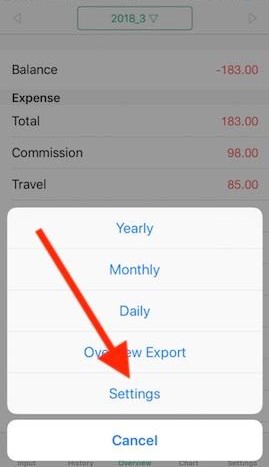
- From the button at the top of the screen, tap [Settings].
- Switch on [Carry Forward Balance].
* If you want to turn the "Balance" figure back to the amount in the displayed period, turn this switch off.